Link+ FAQ
| What is LINK+? | LINK+ is a combined catalog that provides searching and borrowing access via the Web for UNR students, staff and faculty to over 5 million unique books and documents from over 30 libraries throughout California. |
| How does it work? |
|
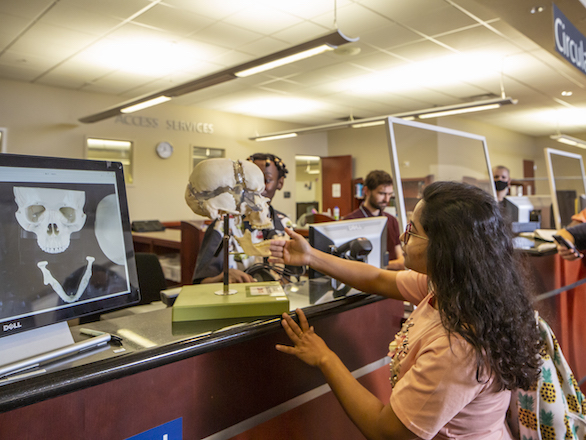
| How are Link+ books checked out? | Just like you check out books at UNR. Checkout and return the books at the Getchell Library Circulation Desk. |
| How much does it cost? | There is no cost to use for users to request and check-out books. |
| Who can use it? | LINK+ is available to current UNR students, staff, and faculty only. |
| Where is it available? | LINK+ may be accessed through the UNR Libraries' Catalog or directly at LINK+ |
| What's available to borrow? |
Items listed as "available" in LINK+ are available for borrowing. Generally, this means books. If a title is owned by UNR but currently unavailable, e.g., missing or checked out to another patron, you may request this item through LINK+. |
| What Libraries are participating in Link+ | The expanding list of libraries currently
includes:
|
| How long does it take? |
Time between making a request for an available item and picking up the item is approximately 4 days. Items will be held for pickup for 10 days. |
| How long can items be kept? | The loan period is 21 days, with one renewal of 14 days. |
| Can LINK+ items be renewed? | LINK+ books maybe renewed online, before the original due date, for 14 additional days from the date of renewal. |
| How many requests can be made? |
Patrons may have a total of 15 outstanding requests at one time. This includes items in transit (newly-requested or not yet returned to the owning library) as well as items currently checked out. |
| What are LINK+ fines and replacement costs? |
The overdue fine for items returned after the due date is $1.00 per day per item. Replacement cost for lost or damaged LINK+ books is $115.00. Items returned in damaged condition are also assessed at $115.00. |
| How to check the status of a LINK+ request. |
Borrowers may monitor the status of LINK+ requests in "View
Your Record" option in the
Library Catalog.
LINK+ requests are listed under holds. When the status is listed as
"LINK+ RECV'D" the item is ready for pickup. If a request cannot be satisfied through LINK+, you will receive an email notification to that effect, and the request will automatically be removed from your record. |
| How to cancel a LINK+ request. | A LINK+ request can be cancelled in the "View Your Circulation Record" option under holds. If an item still has a "Requested" status it may be cancelled. If the item is "In Transit" or "LINK+ Recv'd" the request may not be cancelled. |
| Visiting Patron Option | If visiting another LINK+ participating library and you find an item you would like to borrow, you may do so directly at the Circulation Desk of that library. Borrowed items may be returned to the lending library or your home library. |