Document Delivery Services
Frequently Asked Questions About Interlibrary Loan
- How long does it take to receive materials?
- How much does it cost?
- What are delivery options once requests come in?
- How do I renew a book received through Interlibrary Loan (ILLiad)?
How long does it take to receive materials?
- Books and other materials usually arrive within one to two weeks, though sometimes it can take longer.
- Photocopies of journal articles usually arrive within 2 - 5 days.
How much does it cost?
- UNR faculty, staff, and students receive the following services at no charge:
- Interlibrary loan of books and document delivery of articles
- Campus Express book delivery
- Nevada System of Higher Education faculty and staff (non-UNR) are charged $3.00 per book or periodical article request plus any associated fees, including fees assessed by lending libraries or commercial document delivery suppliers.
- Community Borrowers are charged $10.00 per request for book or periodical article request plus any associated fees, including fees assessed by lending libraries or commercial document delivery suppliers.
What are delivery options once requests come in ?
- Most articles and other photocopied materials are available electronically from within the ILLiad system. Logon and select "View/Download Electronically Received Articles". You will need Adobe Acrobat Reader, version 5.0 or higher to view the documents. See the ILLiad "Electronic Delivery Information" page for more information.
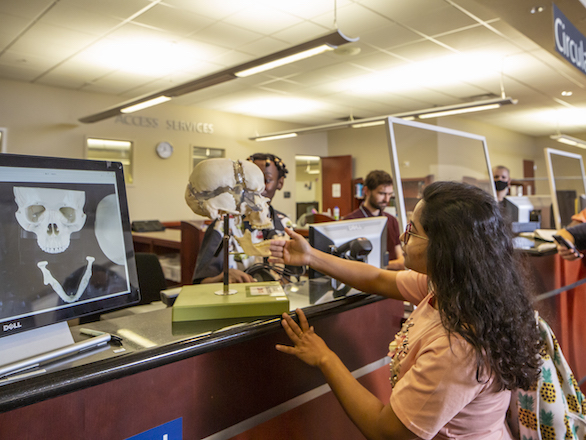
- Copies received in paper can be delivered to Campus Mail Stops if indicated by selecting "Mail Delivery" in the ILLiad account information. Please note that one must have an office on campus to receive mailed documents. The default pick up point for paper articles is the Circulation Desk in Getchell Library.
- Books and other materials must be checked out at the Circulation Desk in Getchell Library. Faculty only are eligible to receive office delivery of interlibrary loan books if they select "Mail Delivery" in their ILLiad account.
How do I request renewal of an item I borrowed through Interlibrary Loan (ILLiad)?
- After you login to ILLiad, select Checked Out Items under View from the menu on the left side of the screen. Select the item you wish to renew, then click the renewal request button on the Detailed Information screen. You will be given an automatic *ONE WEEK* renewal. No further renewals will be available. If you will need to use an item past the renewal due date, please let us know. You will need to submit another request for the item so that we can borrow it from another library for you.
- For more information about ILLiad, go to the ILLiad FAQ
page.
If you have any questions about our services, please contact Mark Lucas, Document Delivery Services Supervisor or Maggie Ressel, Director of Information Services.